
Screen Shots
Click on a screen shot to view it zoomed.
On Windows
 |
 |
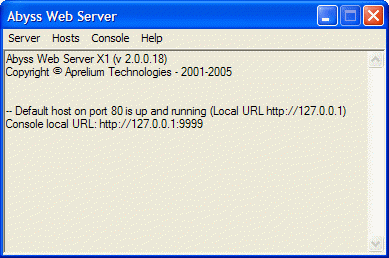
| The main window | Abyss Web Server's icon in the system tray |
On macOS
 |
|
| Abyss Web Server running on a Macintosh | |
On Linux
 |
|
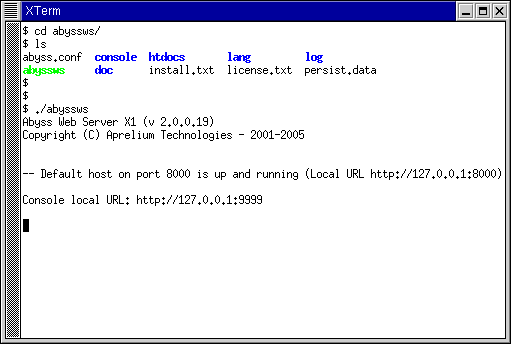
| Abyss Web Server running on a terminal | |
Console shots
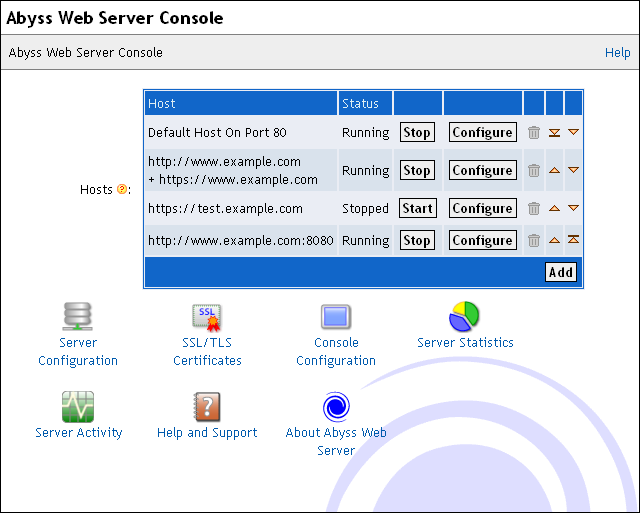
The console is a web based remote configuration interface. It can be accessed from the computer Abyss Web Server runs on and from any computer connected to your network. A standard web browser is all you need to view and use the console.
 |
|
| The console's main screen | |
Host Configuration Dialogs
 |
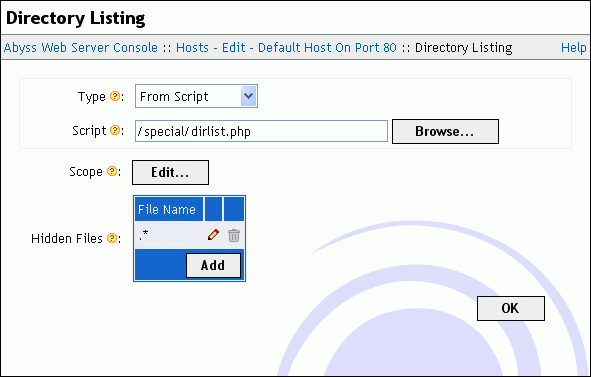 |
| Host configuration dialog | Directory Listing |
 |
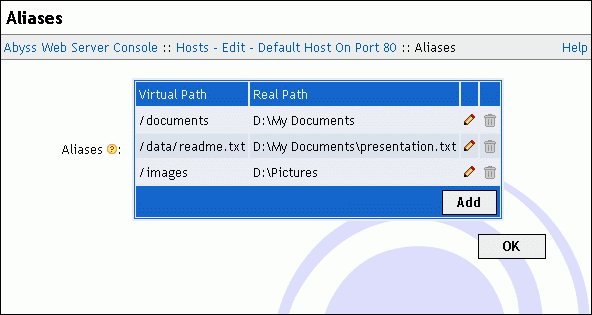 |
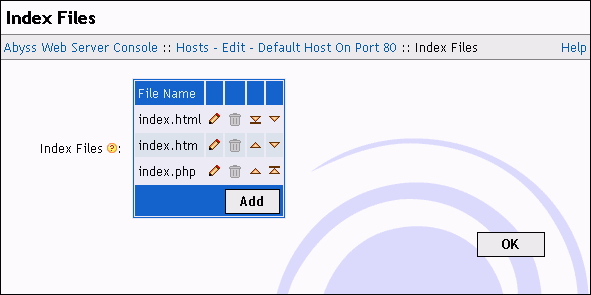
| Index Files | Aliases |
 |
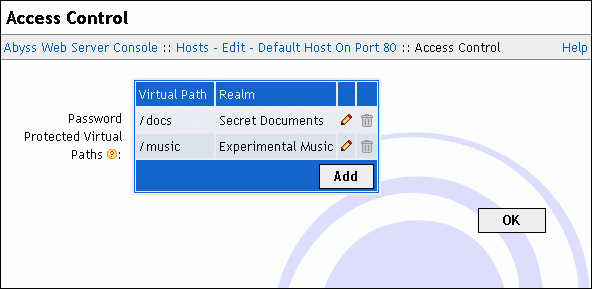 |
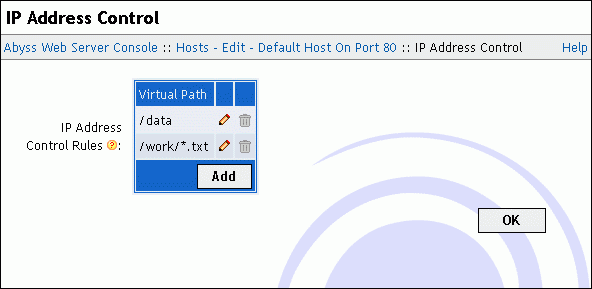
| IP Address Control | Access Control configuration (password protection) |
 |
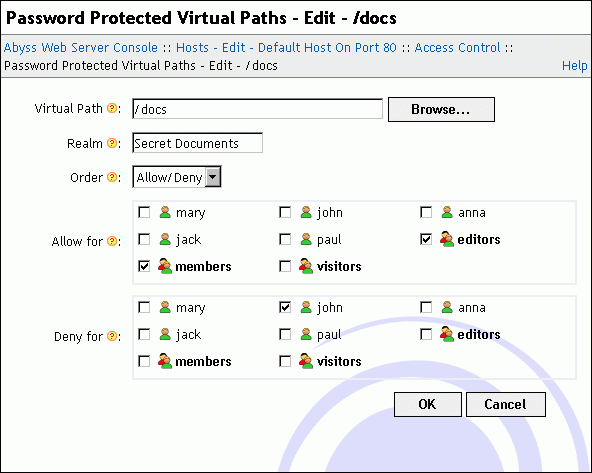 |
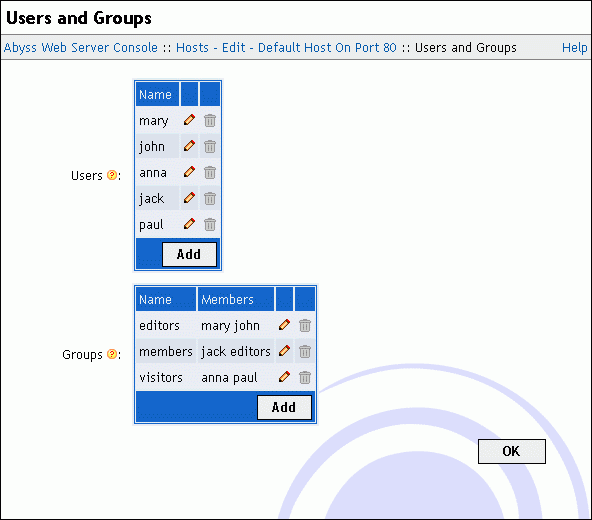
| Users and Groups management | Access Control rule definition |
 |
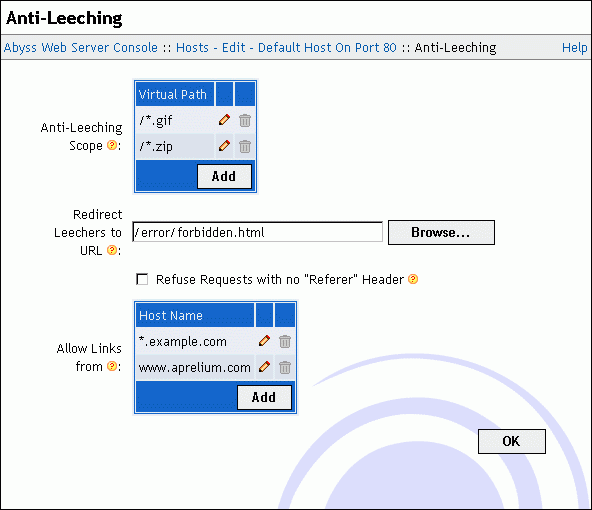 |
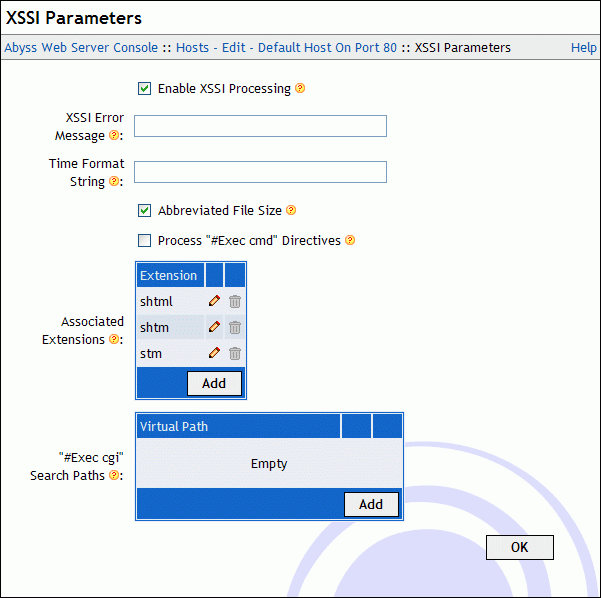
| XSSI parameters | Anti-leeching |
 |
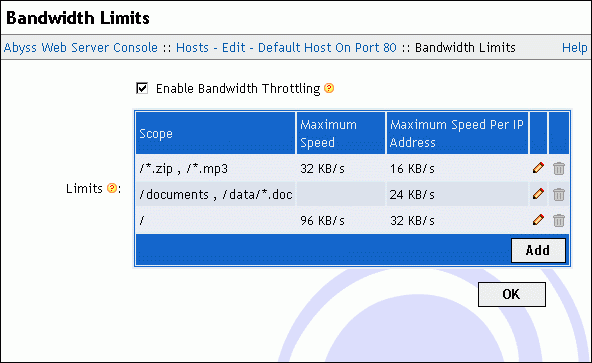 |
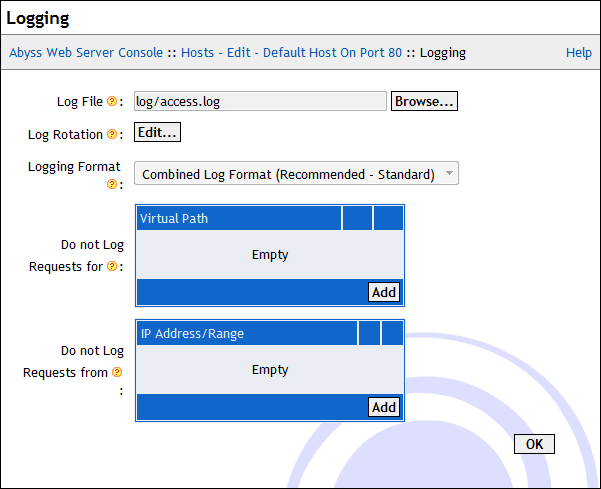
| Logging Parameters | Bandwidth Throttling |
 |
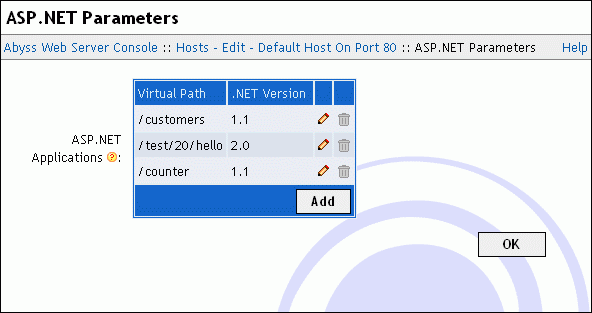 |
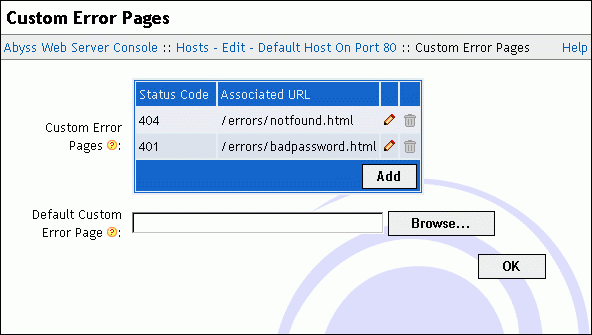
| Custom error pages definition | ASP.NET Parameters |
 |
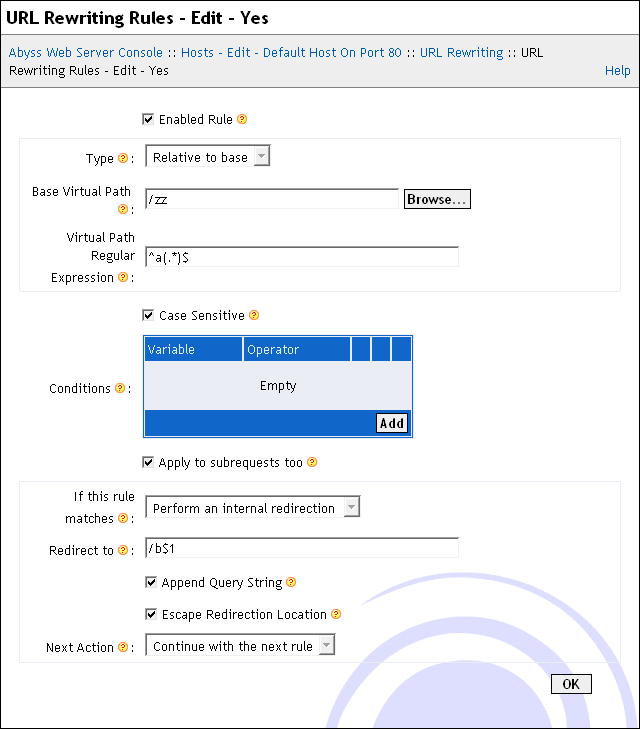 |
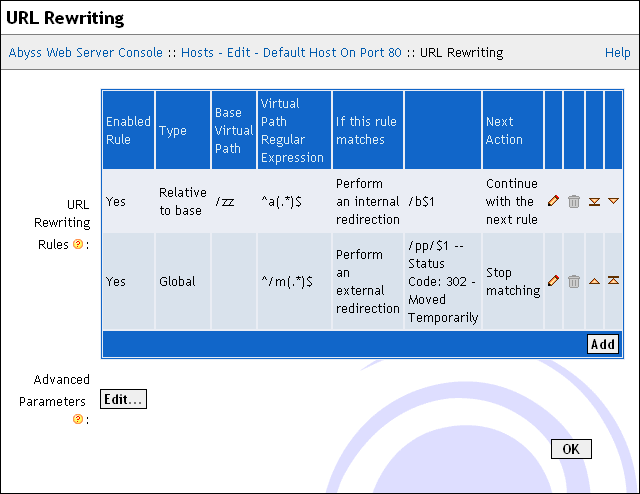
| URL Rewriting | URL Rewriting rule definition |
 |
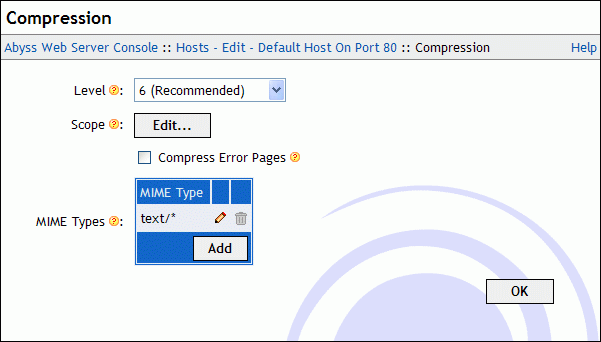 |
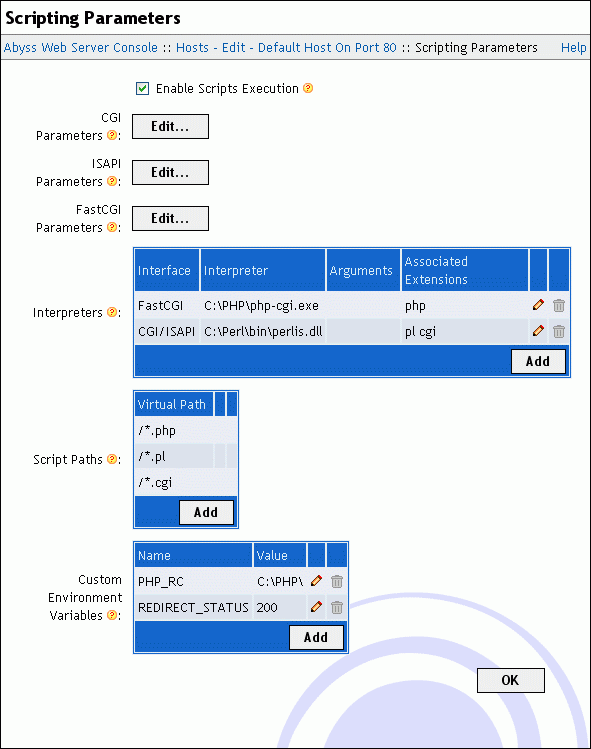
| Scripting Parameters | HTTP Compression Parameters |
SSL/TLS Certificates Management Dialogs
 |
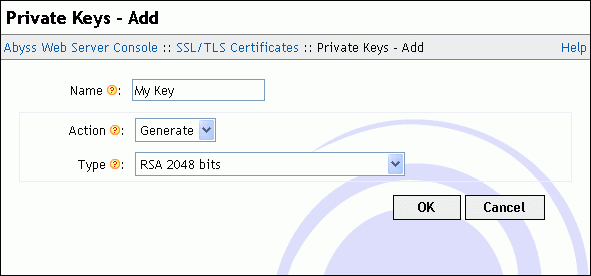 |
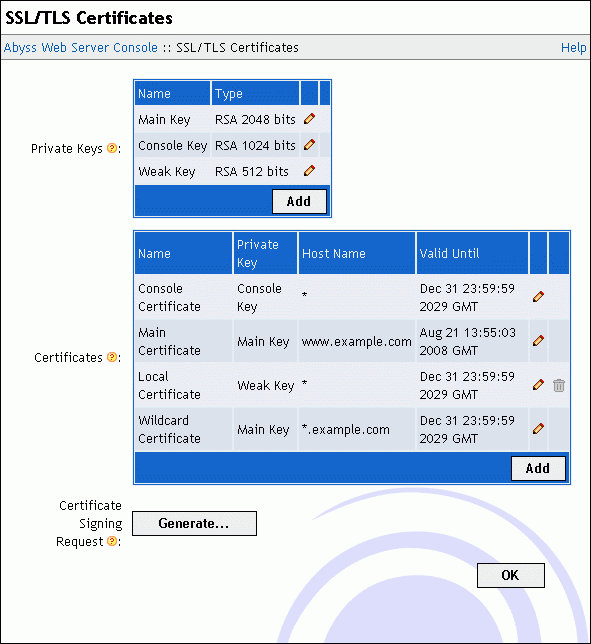
| SSL/TLS Certificates Dialog | Private Key Creation |
 |
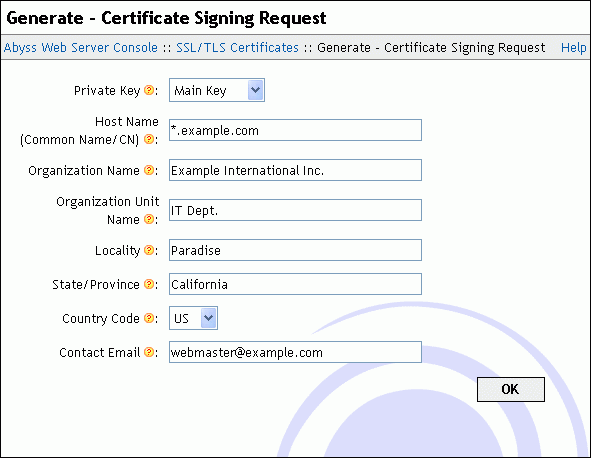 |
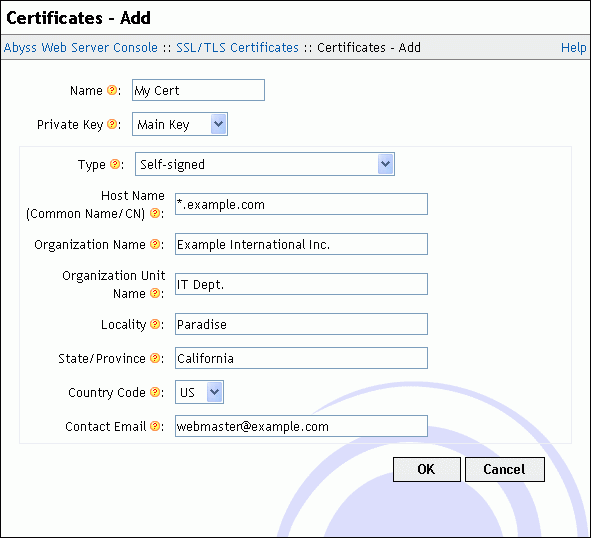
| Certificate Declaration/Self-signing | Certificate Signing Request (CSR) Generation |
Server/Global Configuration Dialogs
 |
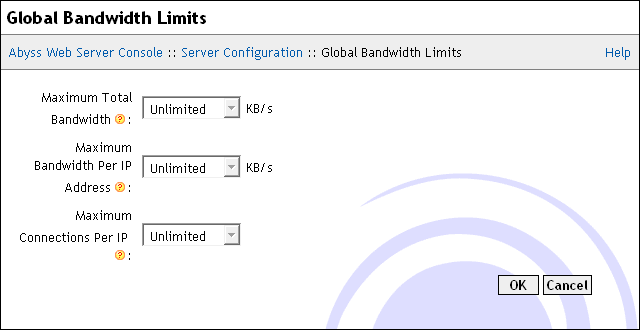 |
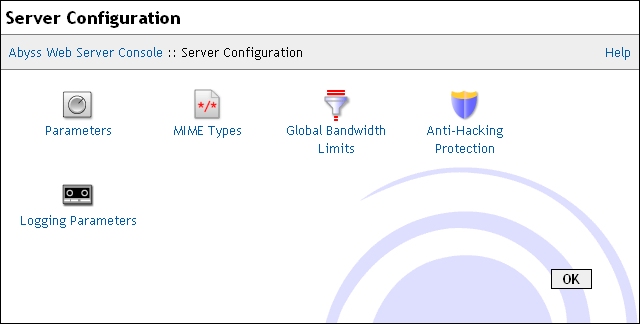
| Server Configuration Dialog | Global Bandwidth Throttling |
 |
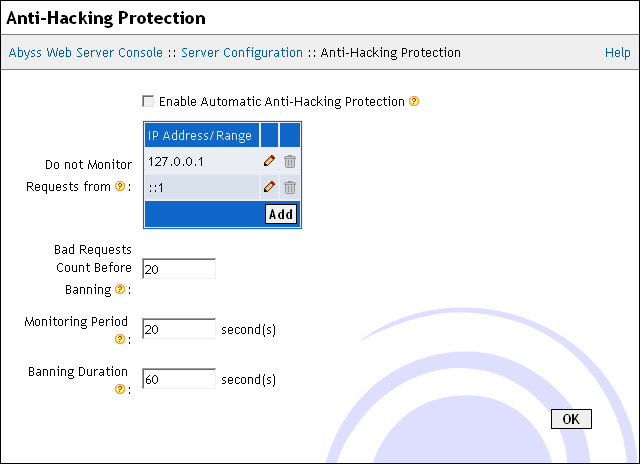 |
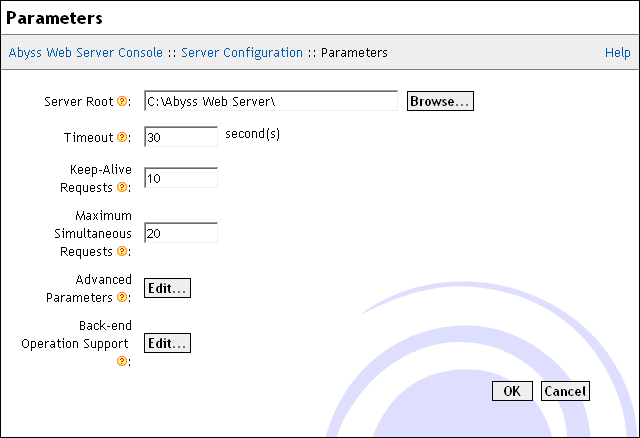
| Server Parameters | Anti-hacking Configuration |
 |
|
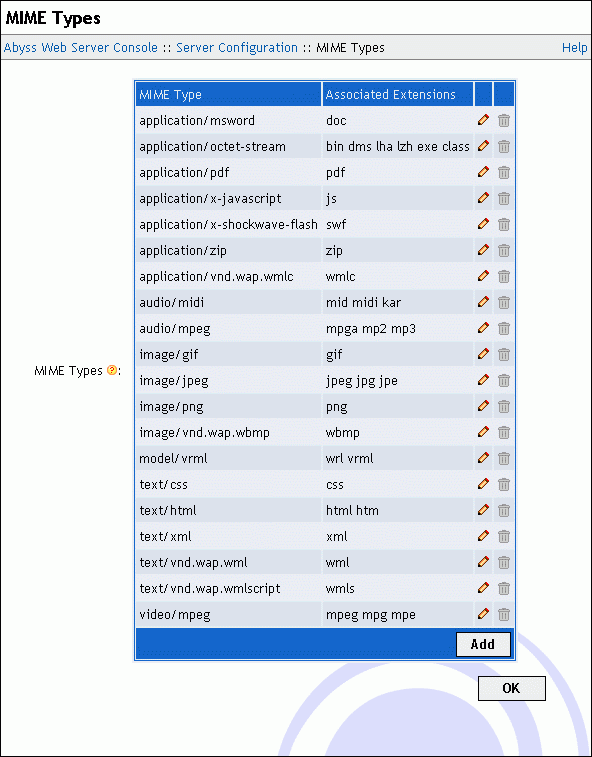
| MIME types | |
Console Configuration Dialogs
 |
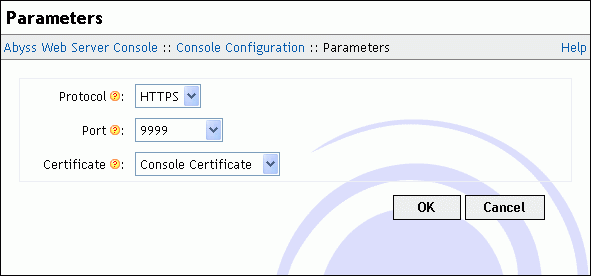 |
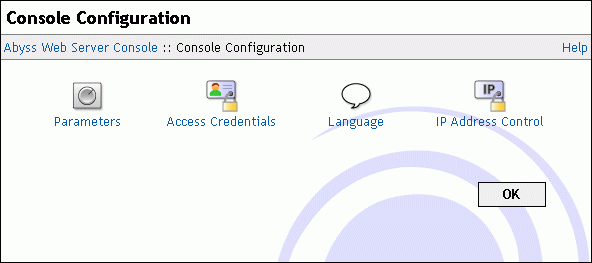
| Console Configuration Dialog | Console Parameters |
 |
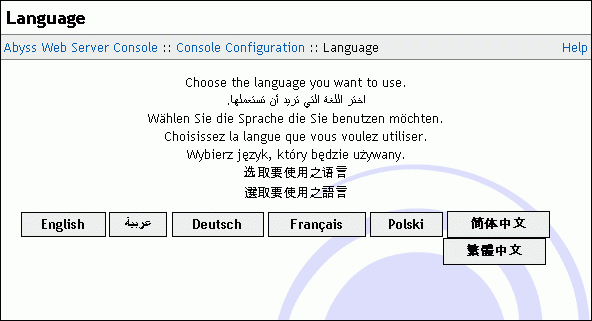 |
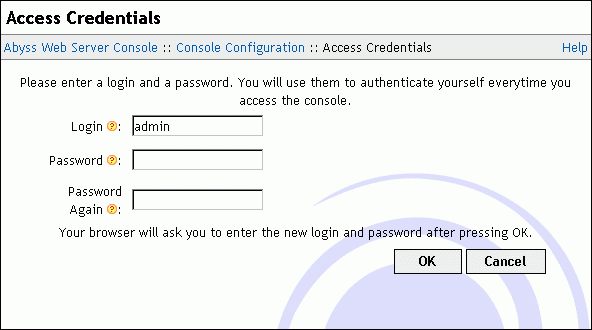
| Console Credentials | Console Language Selection |
 |
|
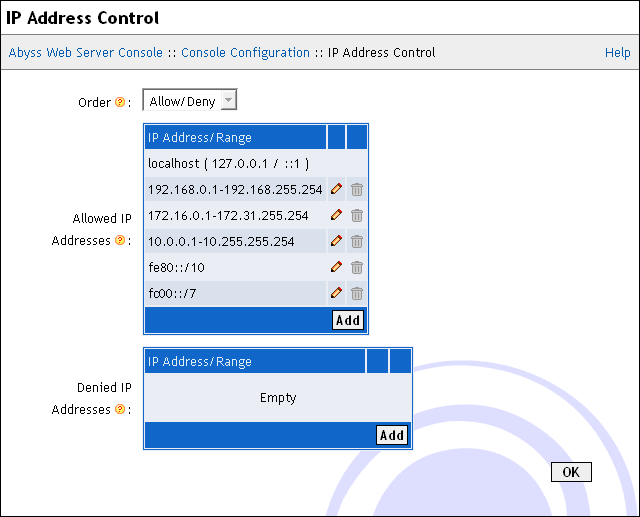
| IP Address Control | |